
Browser extension
FeedKeeper by TangentByte
Your YouTube feed, on your terms.
A Chrome extension that quietly removes the kinds of videos you don't want from your YouTube home feed and “Up next” recommendations. You pick the categories; AI does the sorting.
Screenshots
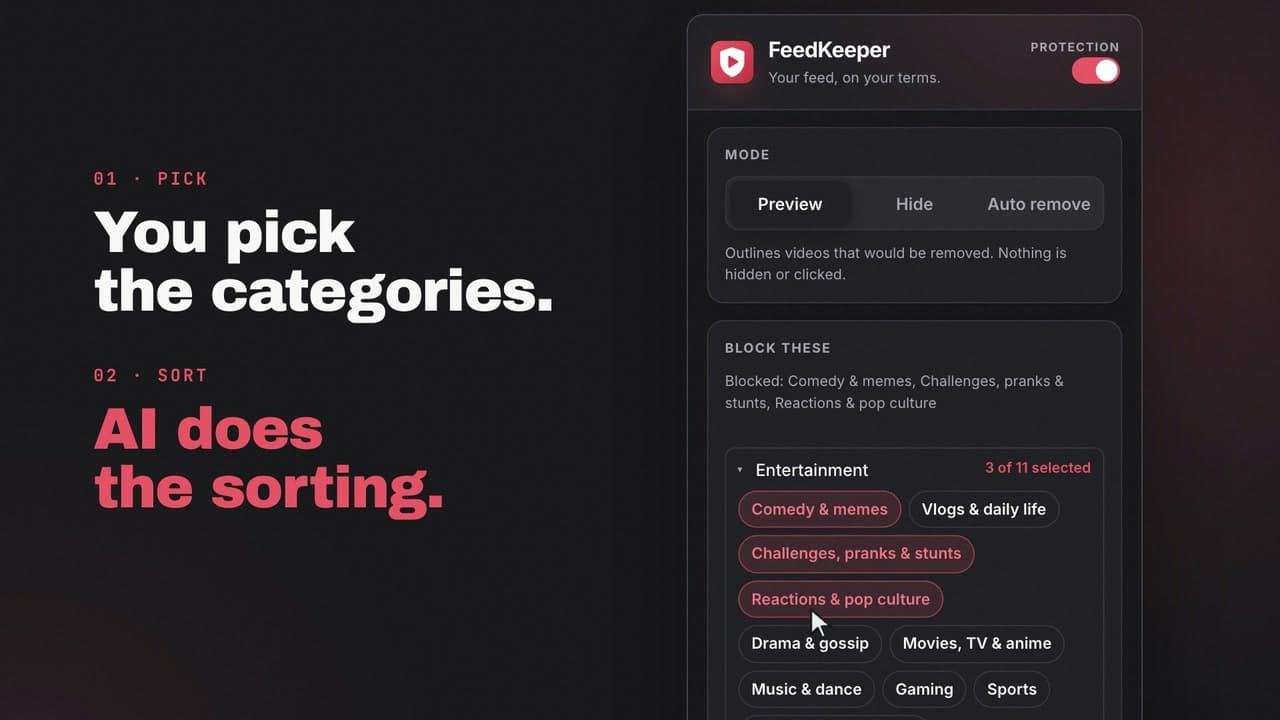
Pick the categories you don't want. 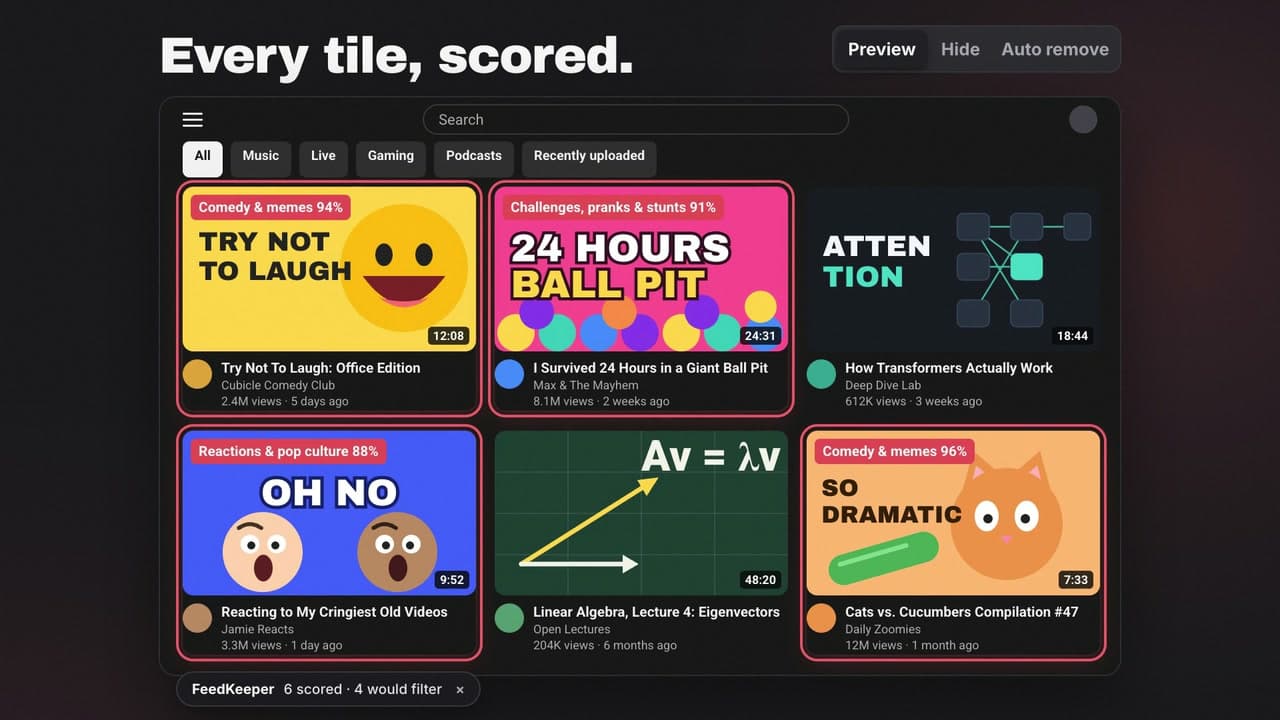
Preview: every tile is scored, nothing is hidden. 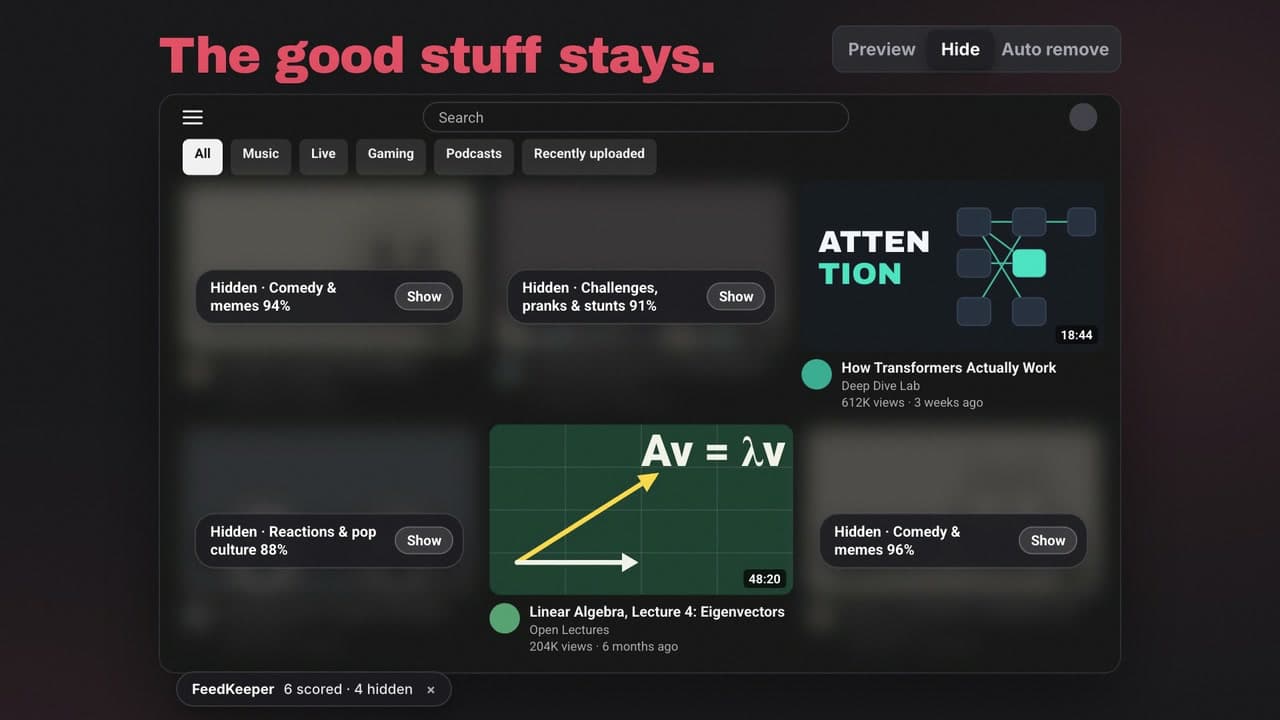
Hide: matches blur behind a Show button. 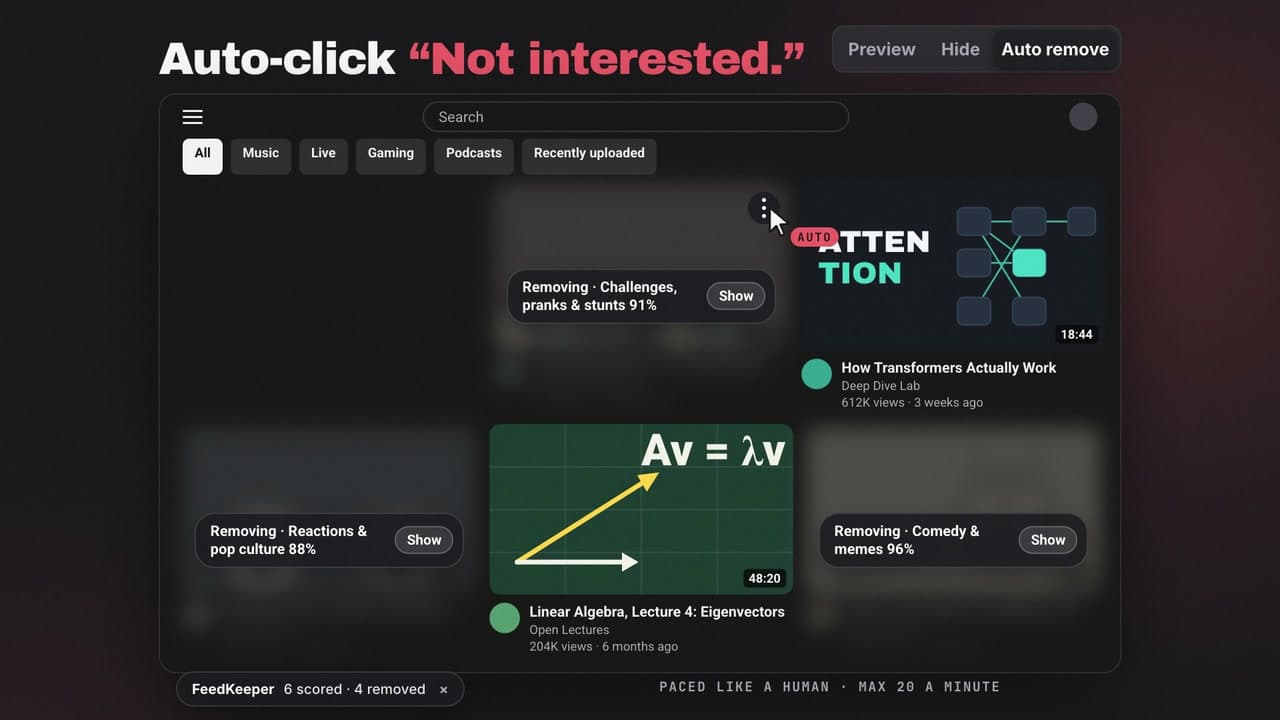
Auto remove: YouTube learns from the clicks.
features
What it does
Three modes
Start in Preview to see what it would filter, switch to Hide to blur matches, or use Auto remove to click “Not interested” for you, paced like a human.
Block Shorts
One switch hides every Short on YouTube: shelves, feeds, search and the menu entry. No AI calls, no cost.
21 categories, plus your own
Built-in categories in four groups, and custom categories where your one-line definition becomes the question the AI answers.
Two filter directions
Block selected categories, or use “Only show selected” for a focused feed.
See why on demand
Hover a video and choose “Why?” to inspect its category scores and correct the decision for that video or channel.
Private by design
No server, no analytics. Your API key stays in the extension and the YouTube page never receives it.
Details
Platforms
Chrome
Supported and tested
Edge, Brave, Arc
Expected to work
Pricing model
- Free (this product)
- One-time
- Freemium
Bring your own OpenRouter API key. $1 covers roughly 100,000 videos in Hide mode.